此翻译由机器初步生成,尚未经过母语人士审核。
英文原文:How to… · 英文原文:How-to guide
Follow a Community Board
英文原文:Create an email watch for one Community Board and keep the link that manages it.
英文原文:Step 1 — Open the board picker
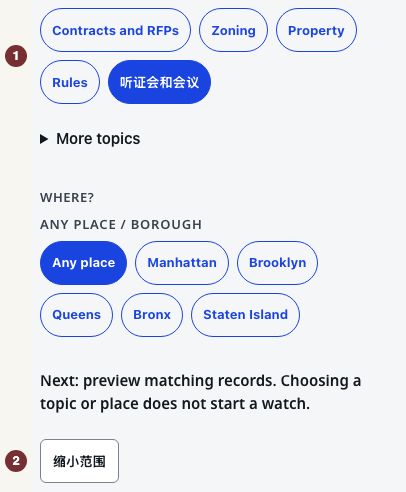
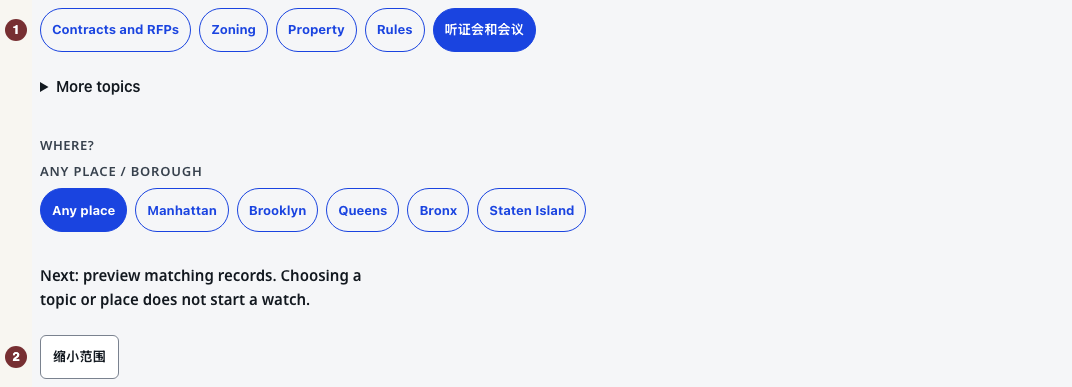
英文原文:Open 提醒. Under 你想关注什么?, choose 听证会和会议, then open 缩小范围. The 社区委员会 group appears for this topic. Use a browser with JavaScript switched on. You need an email address only when saving.
英文原文:Step 2 — Choose the borough and board
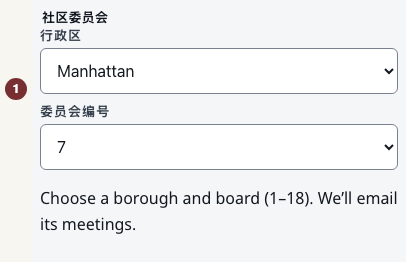
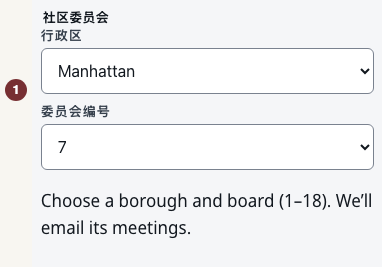
英文原文:In 社区委员会, set 行政区 to Manhattan and 委员会编号 to 7. Both fields are required to identify Manhattan Community Board 7.
英文原文:A Community Board is numbered within its borough. City Council District 7 is a different area. Its watch is under More topics → City Council District weekly, not this picker.
英文原文:Step 3 — Preview the watch
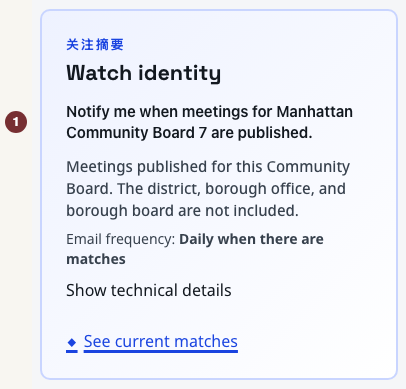
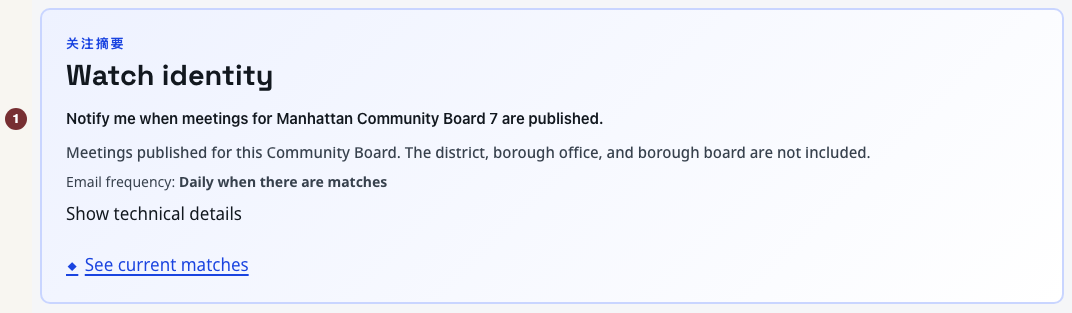
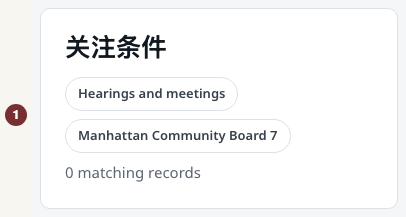
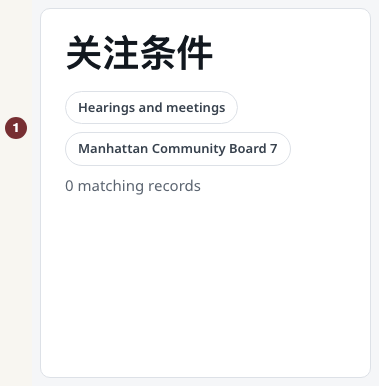
英文原文:Press 预览匹配结果 below the choices. Check that 关注摘要 and 关注条件 both name Manhattan Community Board 7. Previewing saves nothing and sends no email. After changing a choice, press 更新匹配结果 to check it again.
英文原文:The preview shows matching board meetings. 查看当前匹配结果 opens a wider district view that can include other bodies' meetings. Use the preview to check what the watch would email. An empty preview does not prove the board has no meetings. Check its calendar through Community Boards if a meeting you expected is missing.
英文原文:Step 4 — Save and check the result
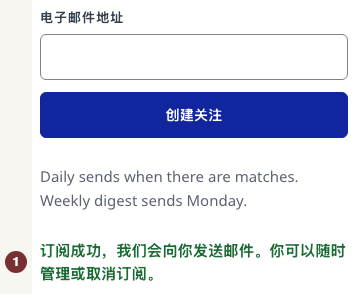
英文原文:Under 邮件频率, choose 每日 or 每周. Under 创建此关注, fill in 电子邮件地址, then press 创建关注. This starts the subscription immediately. There is no activation link to click.
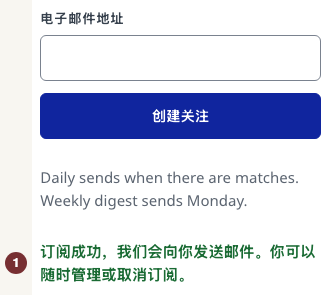
英文原文:Wait for 订阅成功,我们会向你发送邮件。你可以随时管理或取消订阅。 Keep the welcome email: its manage link opens the saved watch, where you can change or stop it. A failed submission is not a saved watch. Follow the error's retry instruction.
英文原文:When the preview cannot load
英文原文:If the preview says it is not ready, use its retry control. That answer is unknown, unlike a loaded preview with no matches. You can still read the board's own published calendar.