이 번역은 기계로 초벌 번역되었으며 아직 원어민의 검토를 거치지 않았습니다.
영어 원문: How to… · 영어 원문: How-to guide
Follow a Community Board
영어 원문: Create an email watch for one Community Board and keep the link that manages it.
영어 원문: Step 1 — Open the board picker
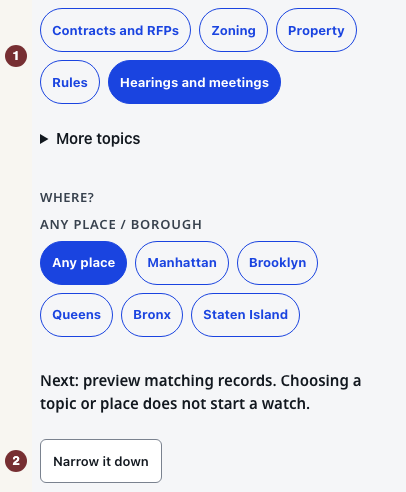
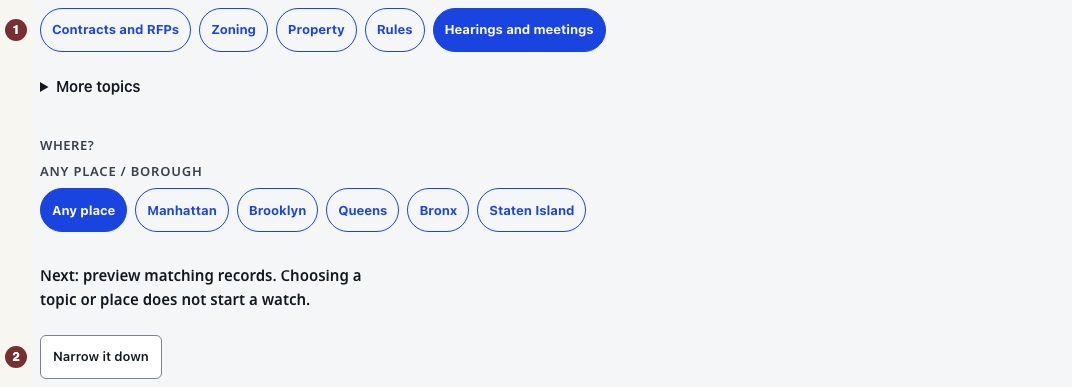
영어 원문: Open 알림. Under 무엇을 팔로우하시겠어요?, choose 청문회 및 회의, then open 범위 좁히기. The 지역위원회 group appears for this topic. Use a browser with JavaScript switched on. You need an email address only when saving.
영어 원문: Step 2 — Choose the borough and board
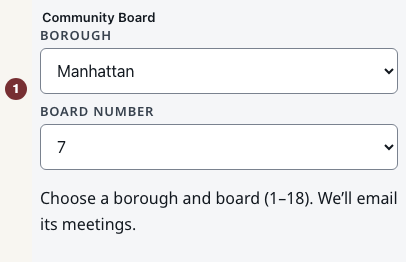
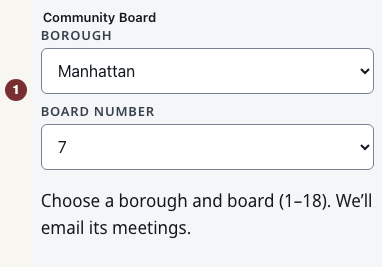
영어 원문: In 지역위원회, set 자치구 to Manhattan and 위원회 번호 to 7. Both fields are required to identify Manhattan Community Board 7.
영어 원문: A Community Board is numbered within its borough. City Council District 7 is a different area. Its watch is under More topics → City Council District weekly, not this picker.
영어 원문: Step 3 — Preview the watch
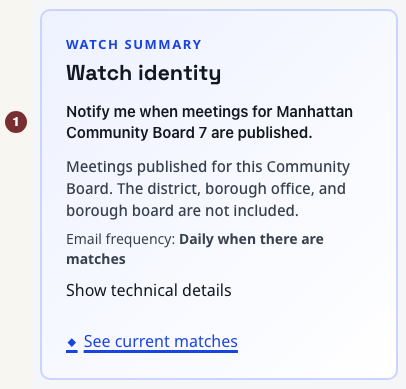
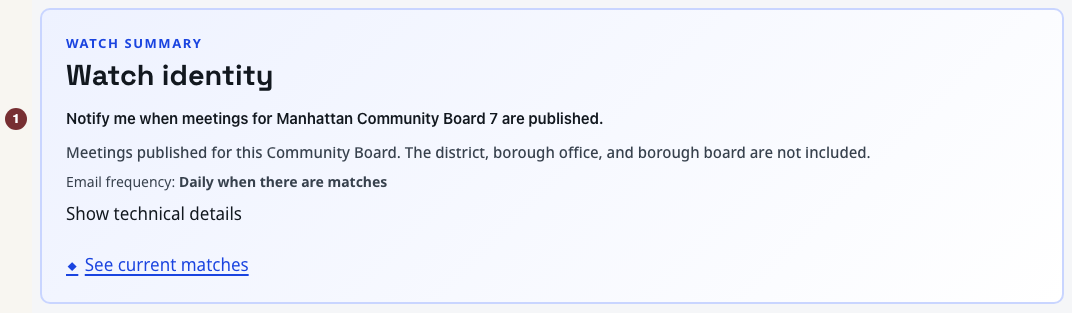
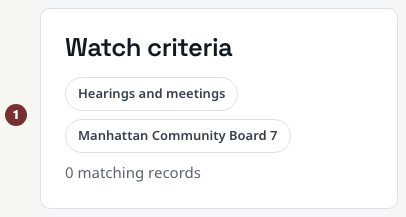
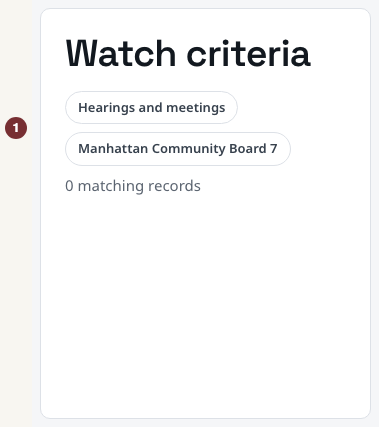
영어 원문: Press 일치 결과 미리 보기 below the choices. Check that 팔로우 요약 and 팔로우 조건 both name Manhattan Community Board 7. Previewing saves nothing and sends no email. After changing a choice, press 일치 결과 업데이트 to check it again.
영어 원문: The preview shows matching board meetings. 현재 일치 결과 보기 opens a wider district view that can include other bodies' meetings. Use the preview to check what the watch would email. An empty preview does not prove the board has no meetings. Check its calendar through Community Boards if a meeting you expected is missing.
영어 원문: Step 4 — Save and check the result
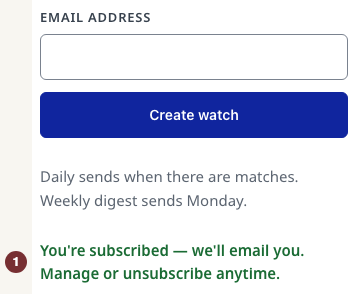
영어 원문: Under 이메일 빈도, choose 매일 or 매주. Under 이 팔로우 만들기, fill in 이메일 주소, then press 팔로우 만들기. This starts the subscription immediately. There is no activation link to click.
영어 원문: Wait for 구독되었습니다. 이메일을 보내드리겠습니다. 언제든지 구독을 관리하거나 취소할 수 있습니다. Keep the welcome email: its manage link opens the saved watch, where you can change or stop it. A failed submission is not a saved watch. Follow the error's retry instruction.
영어 원문: When the preview cannot load
영어 원문: If the preview says it is not ready, use its retry control. That answer is unknown, unlike a loaded preview with no matches. You can still read the board's own published calendar.